CONTENT / 01
How bKash, Nagad and Rocket Connect to Your Account
Deposits through bKash, Nagad and Rocket are the primary local payment routes on this platform. Each method connects directly to your account wallet — you initiate the transfer from your mobile wallet app, enter the reference details shown on the deposit screen inside your 8777brt account, and the wallet balance updates once the transaction is confirmed on the payment network's side. If the reference details on the deposit screen expire before you complete the transfer, refresh the deposit page to generate a new set — do not reuse an old reference number from a previous attempt.
-
bKash Deposit
Open the deposit screen inside your account, select bKash, and follow the reference details displayed there. Complete the transfer from your bKash app using those details. Once the bKash network confirms the transaction, your account wallet reflects the new balance.
-
Nagad Transfer
Nagad works on the same flow as bKash. Select Nagad on the deposit screen, copy the reference shown, open your Nagad app and complete the send. The account wallet updates after network confirmation. Your payment history logs every Nagad transaction with a date and time stamp.
-
Rocket Payment
Rocket is supported for those who use Dutch-Bangla Bank's mobile wallet. The deposit process follows the same steps shown on the deposit screen inside your account. Select Rocket, note the reference, complete the transfer in your Rocket app, and the balance updates once confirmed. Rocket withdrawals follow the same selection path.
CONTENT / 02
Slots, Live Casino and Table Games in One Place
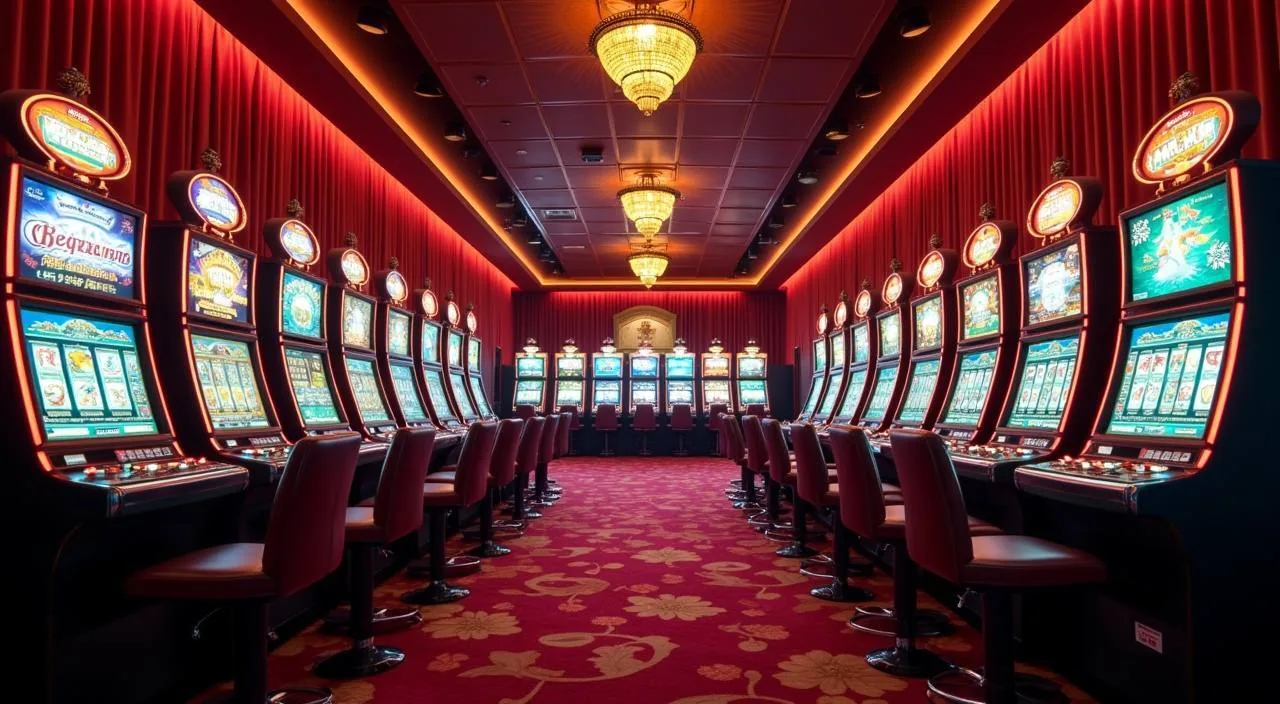
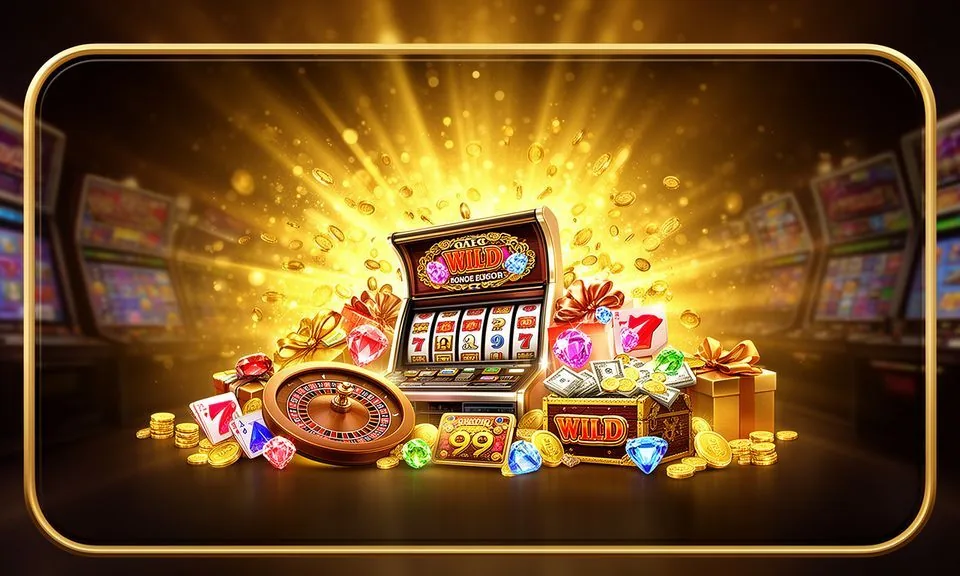
The games section holds slots from Pragmatic Play, PG Soft, JDB, Microgaming, Spadegaming and CQ9 alongside live casino tables and crash titles — browse by category or scroll the full lobby to find the room you want.
CONTENT / 04
8777brt lobby studios
The 8777brt lobby carries content from Pragmatic Play, JDB, Microgaming, Spadegaming, PG Soft, CQ9. To check the studio, rules or features of one specific game, open that game card or the published information panel.
-
Pragmatic Play
-
JDB
-
Microgaming
-
Spadegaming
-
PG Soft
-
CQ9
CONTENT / 03
The Full Lobby on Your Mobile Browser
8777brt is built to run in a mobile browser without a separate download. Open 8777brt in Chrome or your default Android or iOS browser and the lobby loads in the mobile-cinematic layout — the sports rail sits across the top, casino categories scroll below it, and your wallet balance is in the header. The layout adjusts to your screen size automatically.
-
Mobile Browser Ready
Open 8777brt in any modern mobile browser and the full lobby loads — sports rail, casino sections and account wallet included. No app download or installation is needed. The layout fits standard Android and iOS screens. Add the site to your home screen for quicker access on return visits.
-
Portrait and Landscape Play
Slot titles from PG Soft, Pragmatic Play and other studio partners load cleanly in portrait mode. Live casino tables — including Baccarat Acehigh — expand to fill the screen when you switch to landscape. The layout transition is handled by the browser; no settings change is needed on your side.
-
Wallet Access On the Go
Your account wallet and payment history are accessible from the mobile menu at any point in a session. If you want to add funds via Nagad between a sports session and a casino session, open the deposit screen from the menu, complete the transfer in your Nagad app using the reference shown, and the balance updates without requiring a page reload.
 Slots / App